Brand kit · v1

Aegis

Assets you can use to talk about the wallet built into Theseus. Everything here is SVG — scale-lossless, tiny, self-contained.

Marks

The Aegis identity is Athena's shield — a hexagonal aspis with a central boss and cardinal spokes. Use the shield alone as an icon; use the wordmark when you need the name.

Shield mark

Master vector. Use this everywhere a square icon fits.

shield-mark.svg ↓

Wordmark

Shield + "Aegis" lockup. Trailing s stays acid green.

wordmark.svg ↓

Favicon

Simplified shield optimised for 16-32px display.

favicon.svg ↓

Social

Drop-in assets for Twitter, Discord, Telegram, and Open Graph previews. All three share the same shield + acid-on-deep composition so the family reads consistently across platforms.

Avatar

512×512. Profile picture for social accounts and chat platforms.

avatar.svg ↓

Banner

1500×500. Twitter / X header. 3:1 aspect.

banner.svg ↓

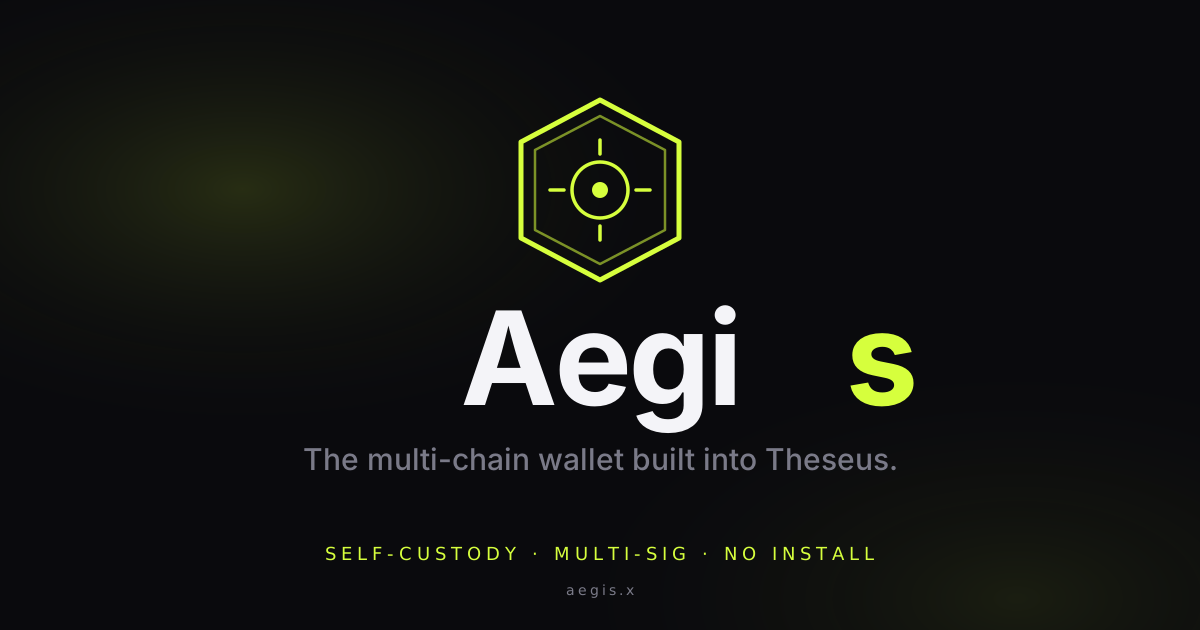
Open Graph

1200×630. Rendered when aegis.x is shared on socials or chats.

og-image.svg ↓

Palette

Five colours. Acid green (#D6FF3D) is Theseus's signature accent — Aegis inherits it deliberately, to read as "part of Theseus" and not a separate product.

Guidelines

Do — use the shield alone as an icon at any size ≥ 16px. Keep clear space equal to the boss diameter on all sides. Render on either the deep bg (#0a0a0d) or a comparable dark surface; light backgrounds work but flatten the glow.
Do — keep the trailing s of the wordmark acid green. It's how Aegis matches the site's own hero and Theseus's accent — a small consistency that ties the whole estate together.
Do not — recolour the shield outside the palette above (no rainbow, no gradients, no BCH green, no Bitcoin orange). If you need to communicate a chain, put the chain's own mark next to Aegis's, don't tint the shield.
Do not — stretch, skew, or crop the shield. It's a hexagon; violating that geometry makes it read as something else.
Do not — add "wallet", "app", or version numbers to the wordmark. It's just Aegis.

Rasterisation

All assets are SVG. Modern browsers, chat platforms (Telegram, Discord, Signal), and most social platforms accept SVG directly. If a specific platform insists on PNG (Twitter avatar upload, some app-store submission flows), render locally with any headless tool — the SVGs are the source of truth, PNG is a derivative.

Example — using rsvg-convert from librsvg:
rsvg-convert -w 400 -h 400 avatar.svg -o avatar-400.png